Fetch your next customer.
One tap. One profile. More ways to connect.
Tap. Open. Connect.

One tap. One profile. More ways to connect.
Tap. Open. Connect.
Choose your Tap Pup card from the designs below.
Add your social links, contact details and business info.
Someone taps your card with their phone.
Your Tap Pup profile opens right away, with no app to install.
Every card also has a QR code. Scanning it opens the same profile, so it works for phones that don't read NFC. Change your links any time and your card keeps working, because the card only points to your profile.
Pick a design, then customize your name, colors, QR and links.
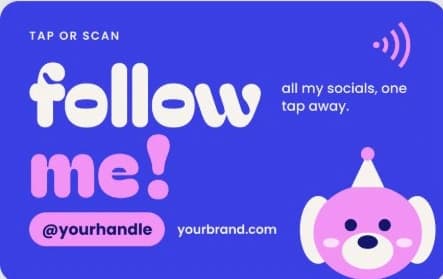
Follow me (blue)
Social card
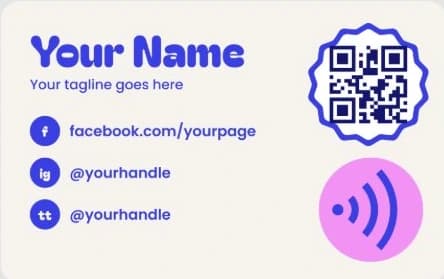
Follow me (cream)
Social card
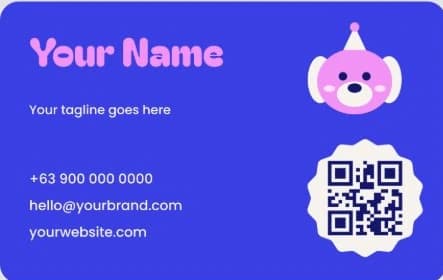
Business (blue)
Business card
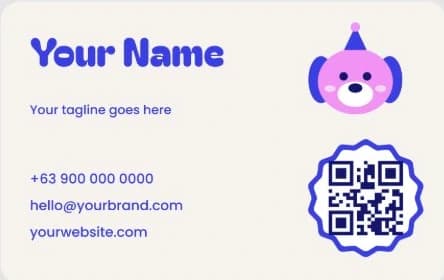
Business (cream)
Business card
Your brand (pink)
Business card
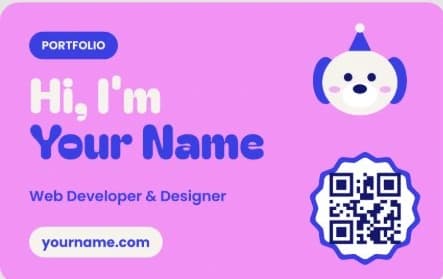
Portfolio (pink)
Portfolio card
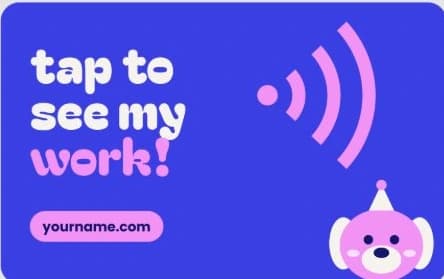
Tap to see my work
Portfolio card

Illustrated mascot
Business card
The cards above show sample text. Yours will carry your own details.
